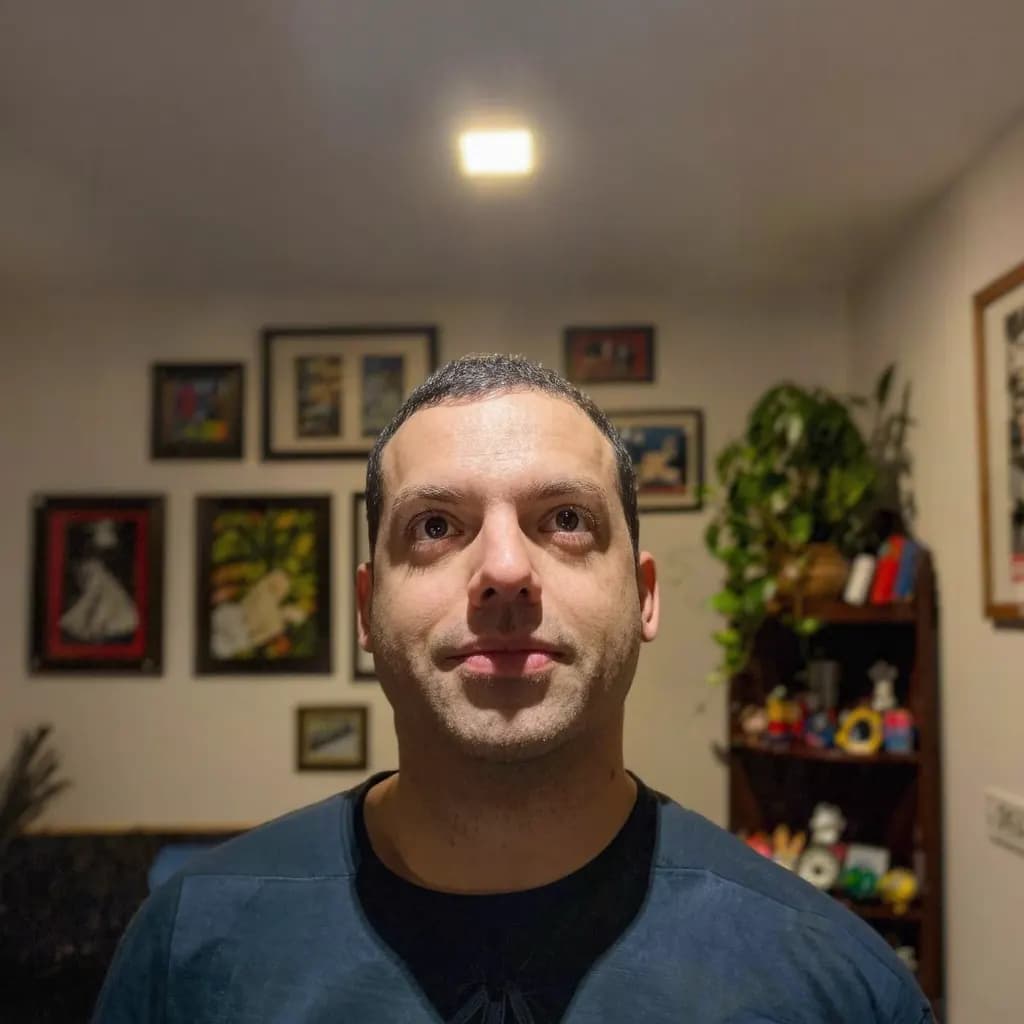
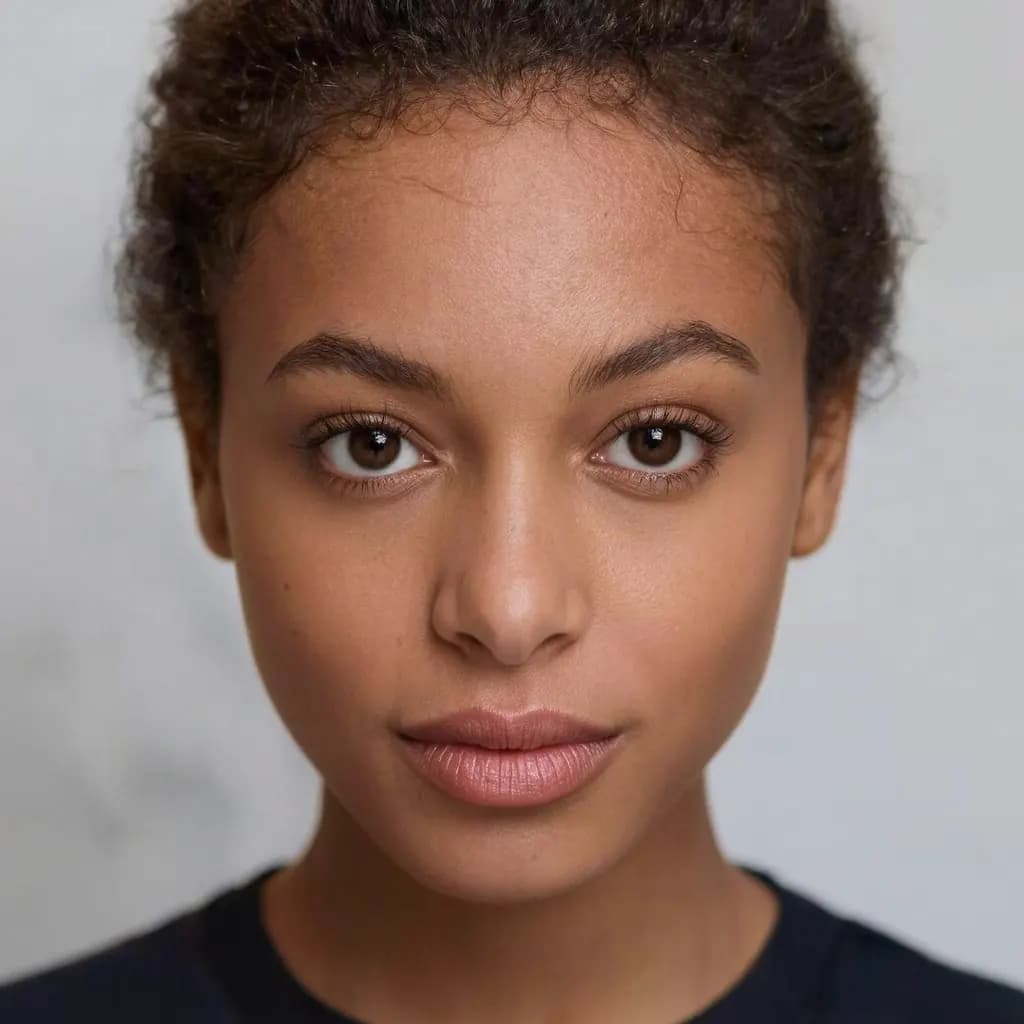
The office may reject an edited photo, and a replaced background counts as an edit. The free crop, which keeps your original photo, is the safer choice.
Choose a photo, line your face up with the guides, then download the photo at the exact pixel size and a print sheet with as many copies as fit. Your photo is processed on your device and not uploaded.
Before you start: stand in front of a plain white or light wall, ask someone else to take the photo, face even light (a window works well), and turn off filters and beauty mode.
JPG, PNG or WebP, up to 40 megapixels
This free tool only crops and resizes. It does not change the background or the lighting, and it cannot guarantee that your photo will be accepted.
Many governments, including the US, UK, Canada, Australia, Korea, Taiwan and China for passports, reject photos whose background has been digitally removed or replaced. For those, take the photo against a plain white or light wall and use the free No-edit crop.
Need a plain background for a CV, a form or a studio-size print? The AI tool swaps it in for 10 credits (≈ US$0.40 on the Starter plan). It does not fix lighting or shadows.
23–27.5 mm (top of the hair; 57–69% of the photo height)
Space above the head
1–5 mm (common layout, not a published rule)
Background
white
4 × 6 in print sheet
Digital upload only, no print sheet
Source
China Online Visa Application (COVA) photo upload rules
Last checked
The online China visa form (COVA) takes a 3:4 JPEG between 354 × 472 and 420 × 560 px, a shape a 33 × 48 mm photo does not fit. Its head size is the paper rule scaled down, so treat it as a guide.
Photo check
Do this, avoid that
DoSoft window light, plain wall
AvoidHarsh overhead light, busy background
DoNeutral expression, eyes open, hair off the face
AvoidBig smile, tilted head, sunglasses
What the China online visa photo needs
The China online visa photo is a digital file of 354 × 472 px. It has no paper size: the upload form checks the pixels, so the file is exported at exactly that size.
The issuing office publishes no head size in millimetres for this photo. A head of 23–27.5 mm from the chin to the top of the hair (57–69% of the height) is the usual layout, so the editor shows it as a guide, not a rule.
Leave 1–5 mm between the top of the head and the top edge of the photo. (common layout, not a published rule)
The background must be plain white, with no shadows, patterns or objects behind you.
This size is meant for an online form, so the editor gives you the file only, without a print sheet.
No other document in our list uses 354 × 472 px, so a photo cut for another country will not fit this one.
Check the latest rules
These measurements were last checked on 2026-10-14 against the source above. Photo rules change and offices can be strict, so check your government's or embassy's current requirements before you print or submit. We cannot guarantee that a photo will be accepted.
FAQ
Questions about the China online visa photo
What size is a China online visa photo?
It is a 354 × 472 px JPEG file for upload. It has no printed size.
How big should the head be in a China online visa photo?
No official figure in millimetres is published. A head of 23–27.5 mm from the chin to the top of the hair (57–69% of the height) is the usual layout; follow any instruction the office gives you.
What background colour does a China online visa photo need?
The background must be plain white, with no shadows, patterns or objects behind you.
Do I need to print a China online visa photo?
No. It is for an online form: download the JPEG file and upload it. If the office also wants paper photos, check which size it asks for.
Will my China online visa photo be accepted?
We cannot promise that. The editor helps you match the size and head height, but offices also check the background, lighting, expression, glasses and how recent the photo is. Check your government's latest rules before you submit.
How do I make a China online visa photo with Methodhelm?
Take a front-facing photo against a plain white or light wall, then open the free crop on this page. Choose your photo, line your face up with the 354 × 472 px guides and download the photo or a print sheet. It runs on your device and keeps your original photo as it is.
Take the photo against a plain white or light wall, then crop it to 354 × 472 px with the free tool on this page. It keeps your original photo, runs on your device and costs nothing.